L
I
V
E
4
.
T
V

27/07/2023
Live stream with guests without Google Meet or OBS
One of the most common ways to do a live stream with guests for free used to be combining Google Meet with OBS Studio: Meet brought people together and OBS captured the call window and streamed it. The problem is that this setup has several limitations: the Meet screen shows up with buttons and names in the wrong place, quality drops, the computer has to handle both at the same time, and any notification ends up in the live stream.
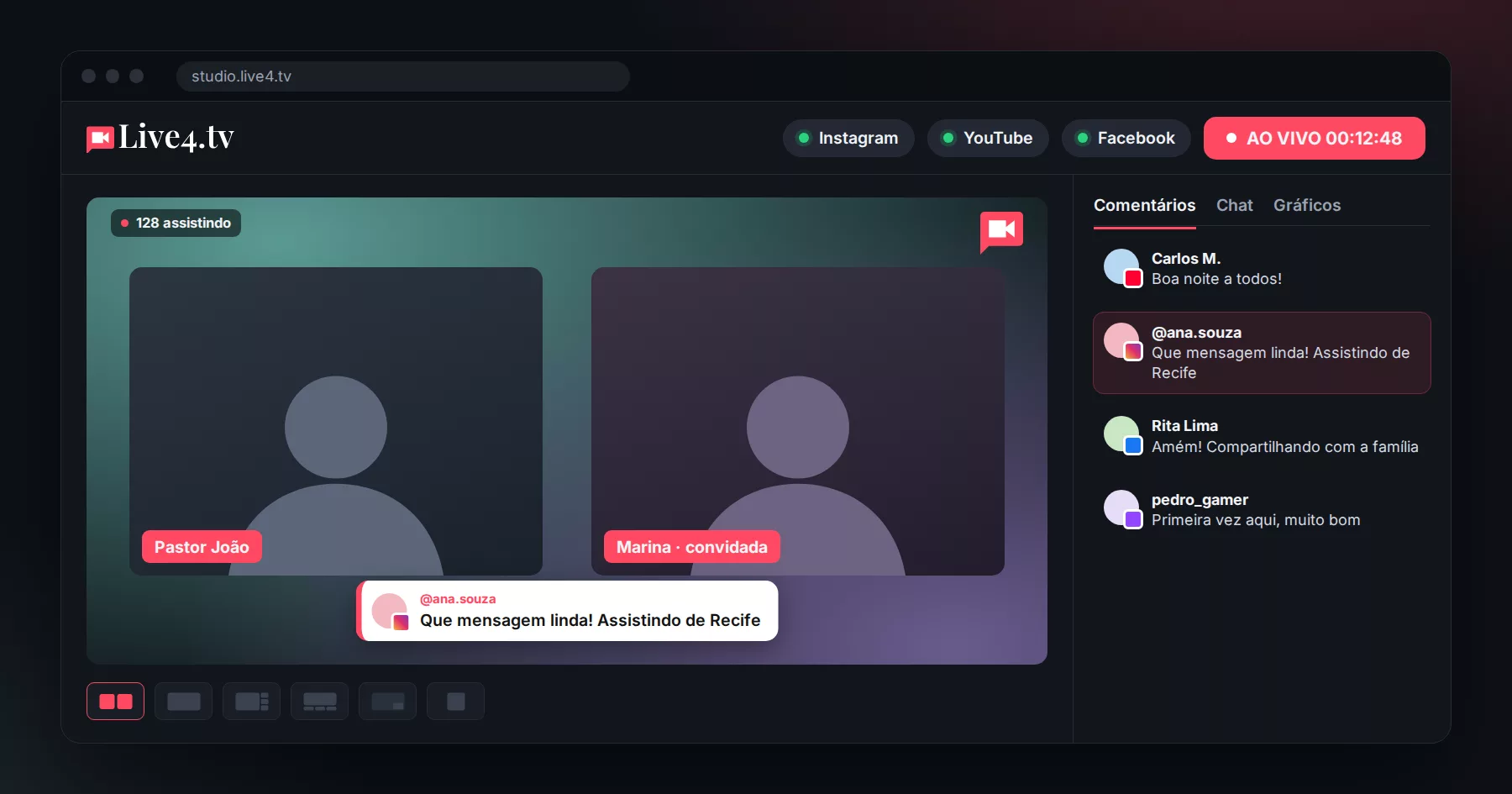
Now you can do it without Meet and without OBS, with Live4.tv’s Live Studio, straight from your browser.
Why switch from Meet + OBS to Live Studio
- A single tool: the invite, the screen layout and the stream are all in one place;
- Clean picture: no call buttons or taskbar in the live stream; each person appears in the layout you choose;
- Backstage: the guest joins, tests camera and microphone, and only goes on air when you want;
- All networks at the same time: Instagram, YouTube, Facebook, TikTok, Twitch and RTMP;
- No 60-minute limit per meeting: live streams have unlimited duration.
Step by step
- Go to studio.live4.tv, create an event and open Live Studio.
- Allow camera and microphone access and check that they are working.
- Copy the invite link and send it to your guest (via WhatsApp, for example).
- The guest opens the link in a computer or phone browser, allows camera and microphone access and enters the backstage. They do not need to create an account or install anything.
- When it is time, put the guest on air with one click.
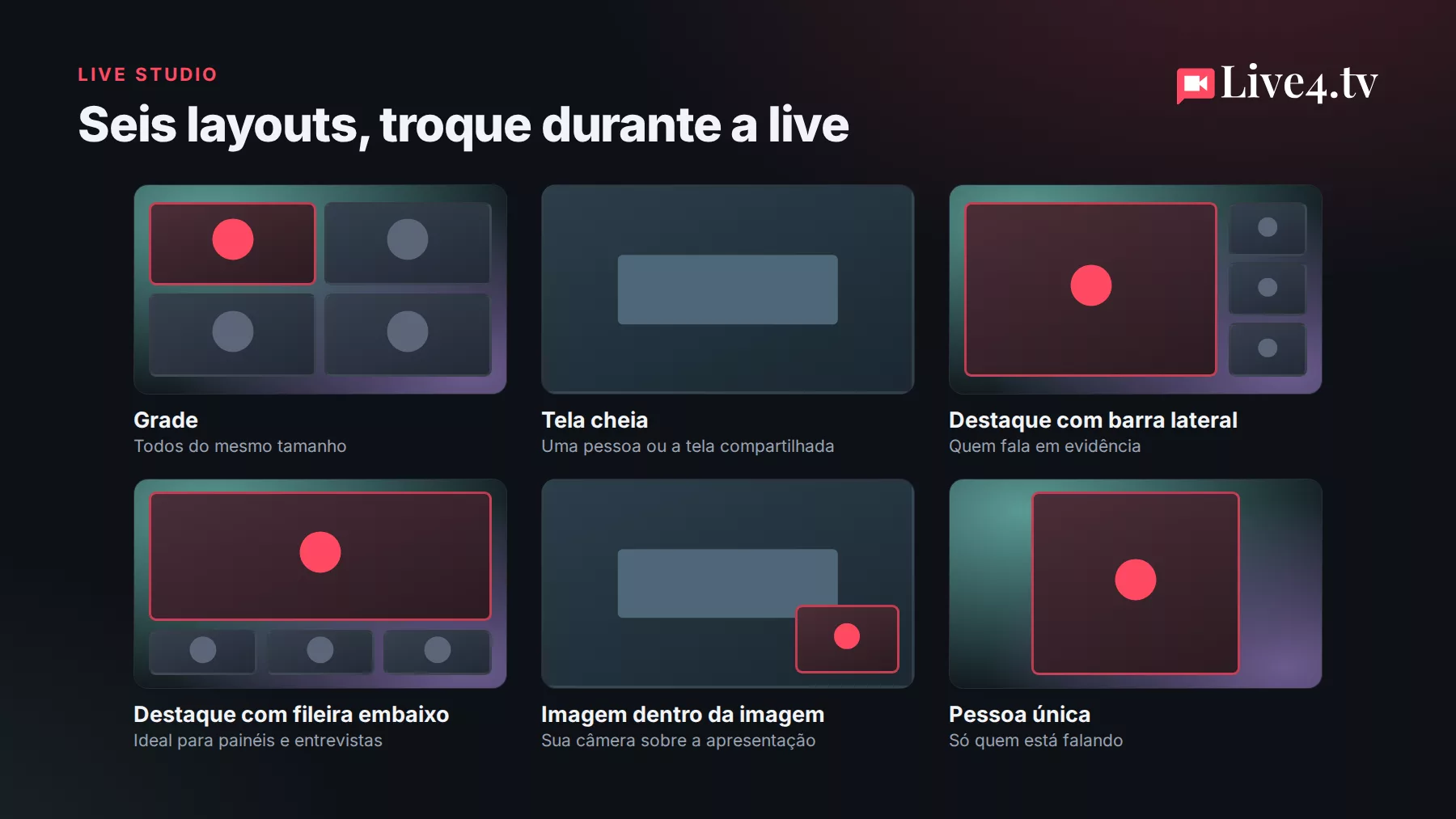
- Choose the layout, adjust logo, colors and background, select the destinations and click Go live.
Tips for a successful live stream with guests
- Ask the guest to join a few minutes early, from a computer or from a phone held horizontally, preferably with headphones to avoid echo;
- Use the private chat to agree on the speaking order without the audience seeing;
- To show slides, use screen sharing with the picture-in-picture layout;
- Pick a good comment from the audience and show it on screen: people love being read out live.
How many guests can I invite?
| Plan | Guests in the studio | Studio quality |
|---|---|---|
| Mini | 1 | 720p |
| Standard | 3 | 720p |
| Professional | 5 | 1080p |
| Premium | 9 | 1080p |
See all the details in the post New Live Studio.
Start for free: 7-day trial on any of our plans.