
OBS
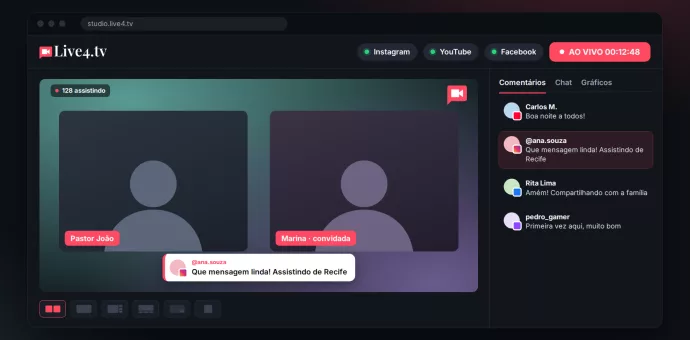
Go live from your browser: how to stream with a webcam or phone
How to go live straight from your browser, with a webcam or phone, to Instagram, YouTube, Facebook, TikTok and Twitch at the same time.
Continue reading
Webinars: what are they actually for?
Webinars: understand how they work, the concept and the presentation format, to reach and engage your viewers.
Continue reading
Add an RTMP destination (LinkedIn, Kwai)
In this article we’ll add an RTMP destination for social networks such as Kwai, LinkedIn and others! In the “Live Studio” select the “+ ADD DESTINATION” option Choose the “+ Add new RTMP” option To make it easier, write down
Continue reading
Samsung Super Live powered by Live4.tv (43 Instagram accounts, from a computer)
Live4.tv was part of Samsung's live stream, with 43 Instagram accounts connected and streaming from a computer simultaneously!
Continue reading
3 valuable tips for using QR codes in your live streams
More and more people access the internet exclusively from smartphones every day! And this number is even higher in Brazil, where many people get online for the first time on a smartphone. That's where QR codes can be a valuable
Continue reading
Live stream with guests without Google Meet or OBS
Swap the Google Meet + OBS setup for Live Studio: guests via link, backstage and every network at once, straight from your browser.
Continue reading
The only way that works to go live on Instagram from your PC
Looking for a solution that still works to go live on Instagram from your PC? This method still works in 2023.
Continue reading
How to show live comments on screen (OBS and Live Studio)
Show comments from every network on your live: a comments overlay in OBS, or one click in the Live4.tv Live Studio.
Continue reading
How to go live on Twitch, YouTube and Instagram at the same time
In this tutorial I will teach you how to go live on Twitch from a PC or Mac using OBS Studio with Live4.tv.
Continue reading